Why LS System MT5 iPad Trader is so good
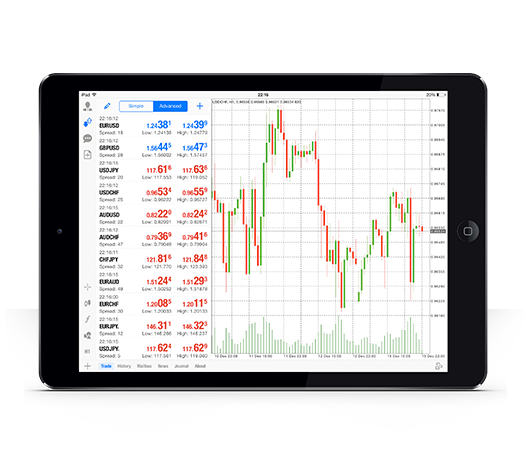
LS System MT5 iPad Trader allows you to access your account from an iPad-enabled application using the same login and password you use on your PC or Mac.
Features of LS System MT5 iPad Trader
 100% iPad compatible application
- Full MT5 account functionality
- 3 chart types
- 30 technical indicators
- Complete record of transaction history
- Built-in news function by push notification

Hedging possible
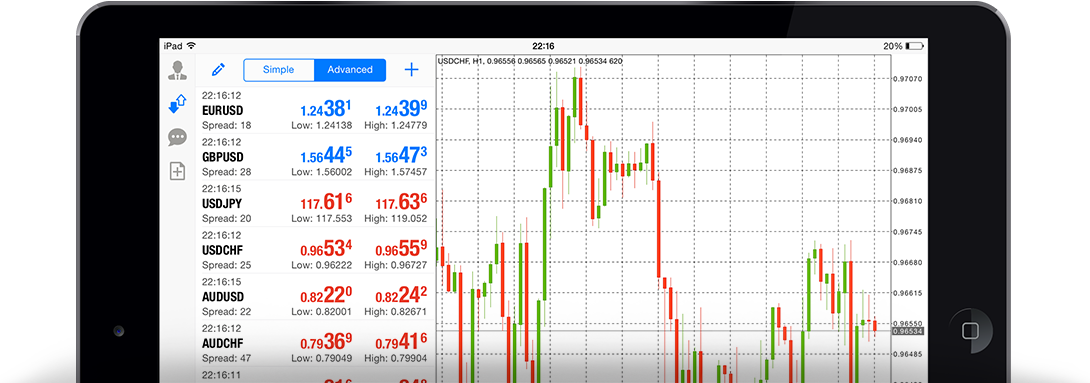
Built by Metaquotes for iPad
Gain access to global financial markets
How to access LS System iPad MT5
step 1
- Open the App Store on your iPad or Download the app here.
- Type metatrader 4 in the search field and find Metatrader 4 in the App Store.
- Click the Metatrader 4 icon to install the software on your iPad.
Step 2
- You will be prompted to choose between logging in to your existing account or opening a demo account.
- Click either Log in to your existing account or Open a demo account to open a new window.
- Enter LS System in the search field.
- Click the AsianGateIntl-Demo Server icon if you have a demo account, or click AsianGateIntl-Live 5 if you have a real account.
Step 3
- Enter your login and password.
- Start trading on your iPad.


