Why LS System's MT5 Android Trader is so good
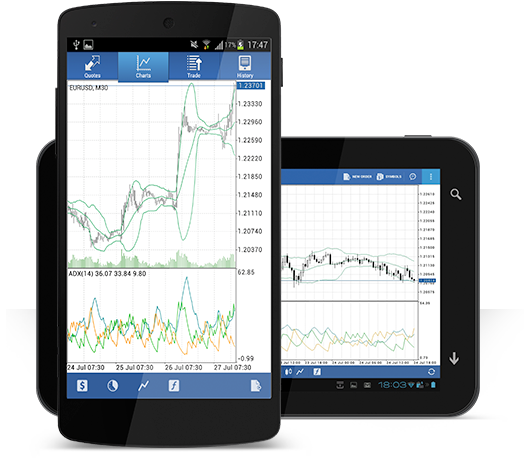
LS System MT5 Android Trader allows you to access your account from Android compatible applications using the same login and password as you would on a PC or Mac.
 100% Android compatible application
- Full MT5 account functionality
- 3 chart types
- 30 technical indicators
- Complete record of transaction history
- Real-time interactive chart with zoom and scroll

Hedging possible

Built by Metaquotes
Get access to the world's financial markets!
How to access LS System Android MT5
step 1
- Open Google Play on Android or download the app from here.
- Type metatrader 4 in the search field and find Metatrader 4 on Google Play.
- Click the Metatrader 4 icon to install the software on your Android.
Step 2
- You will be prompted to choose between logging in to your existing account or opening a demo account.
- Click either Log in to your existing account or Open a demo account to open a new window.
- Enter LS System in the search field.
- Click the AsianGateIntl-Demo Server icon if you have a demo account, or click AsianGateIntl-Live 5 if you have a real account.
Step 3
- Enter your login and password.
- Start trading on Android.
Also supports the following
-

Windows compatible MT5
-

IPad compatible MT5
-

IPhone compatible MT5
-

Android compatible MT5
-

Android tablet compatible MT5